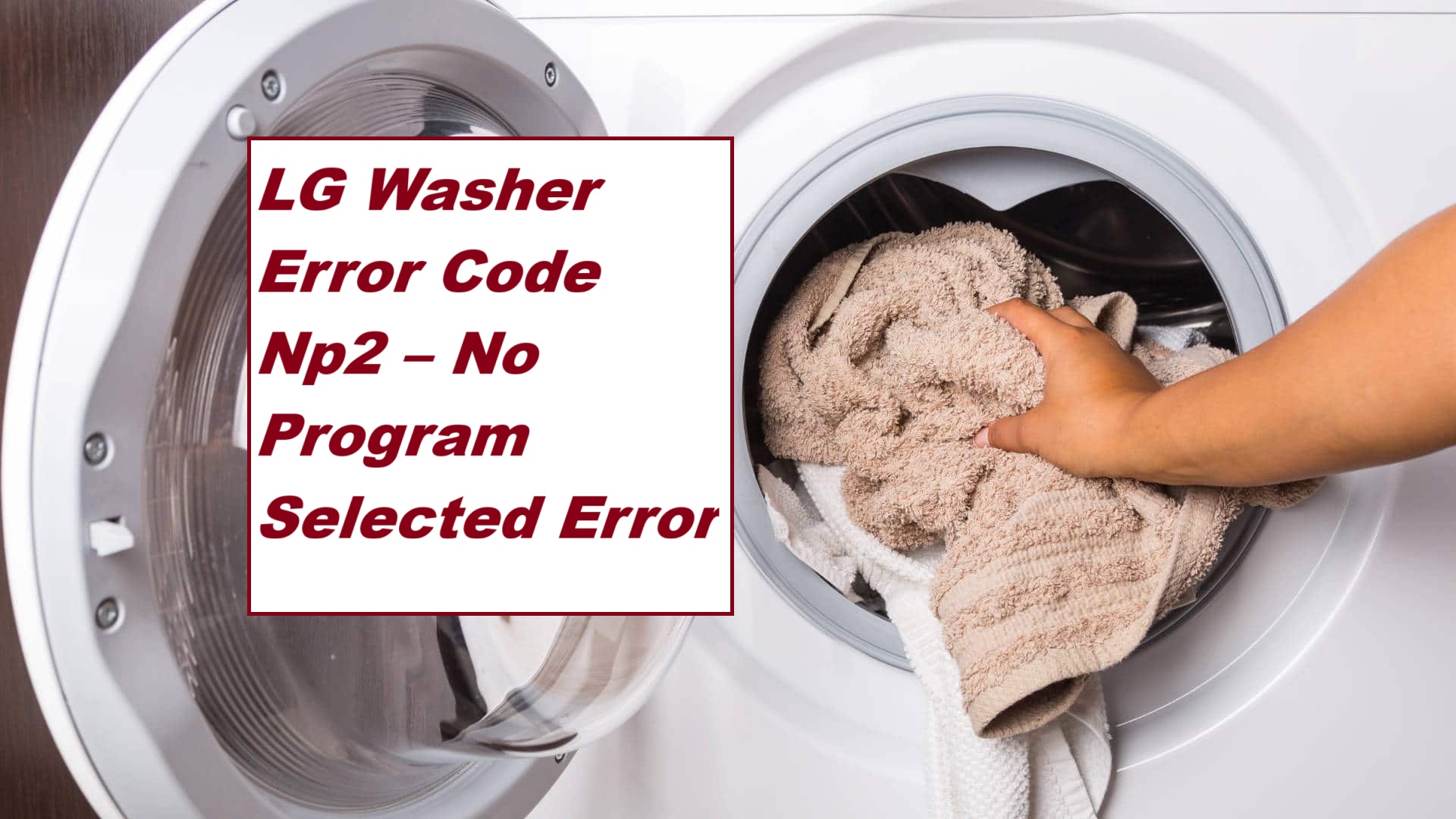
Dealing with the LG washer error code NP2 can be incredibly frustrating, especially when you just want to get your laundry done. This specific error indicates a “No Program Selected” issue, which typically means that your washer isn’t receiving enough water to function properly.
The good news is that this is a common problem, and many of its causes have simple DIY solutions.
One common reason for this error could be a glitch in the control panel. However, there are several other factors that could also contribute to this issue.
To ensure you have all the necessary information to tackle this error effectively, I recommend reading through the entire post. You’ll find a comprehensive overview of the potential causes and troubleshooting steps to get your washer back in working order.
Don’t worry, you’re not alone in this—many people have faced this issue, and with the right guidance, you can resolve it too!
What Does the Error Code Means?
The LG washer error code NP2 indicates an issue with the water supply. When this code appears, it means your washer isn’t getting enough water, which can disrupt its operation. Understanding what this error code signifies is crucial for effective troubleshooting.
To begin, check the water supply valves to ensure they are fully open. Sometimes, a simple adjustment can resolve the issue. Next, inspect the inlet hoses for any kinks or blockages that could be restricting the water flow. It’s also a good practice to clean the inlet filters, as debris can accumulate and impede water intake. Additionally, ensure that there are no clogs in the drain pump, as this can also affect water supply to the washer.
If you’ve confirmed that the water supply is functioning properly but the NP2 error continues to show up, try resetting the washer. You can do this by unplugging the machine for a few minutes and then plugging it back in. This reset can often clear minor electronic glitches.
Common Causes Behind Error Code
Identifying the Causes of Np2 Error Code. A malfunctioning control board can also lead to issues, similar to how a water level sensor fault can disrupt communication and affect the washer’s operation.
Control Panel Malfunction
Malfunctioning control panels can disrupt your laundry routine, particularly when you encounter error code Np2. This error typically signifies that the control panel is not operating correctly, which can hinder your ability to select a wash program.
First, let’s try a simple yet effective solution: a control panel reset. This process can often resolve minor glitches. To perform a reset, unplug your washer from the power outlet for about five minutes. Once that time has passed, plug it back in and see if the error code has cleared.
If you still see error code Np2 after the reset, it may be time to consider a control panel replacement. This task involves disconnecting the faulty panel and installing a new one, which can be a bit more complex. Additionally, ensure that the wiring harness is intact and properly connected, as loose connections can also lead to control panel malfunctions. Before proceeding, make sure to consult your user manual for specific instructions related to your washer model. If you’re unsure or uncomfortable with this process, it’s best to reach out to a qualified technician to ensure the repair is done safely and correctly.
Faulty Wiring Connection
If you’ve attempted to reset the control panel and the error code Np2 persists, it’s likely that faulty wiring connections are causing the issue. Conducting a thorough inspection of the wiring is crucial to pinpointing the underlying problem. Here’s a straightforward guide to assist you in troubleshooting your connections:
| Issue | Symptoms | Solution |
|---|---|---|
| Loose Connections | Intermittent error messages | Ensure all wires are securely tightened |
| Damaged Wires | Visible fraying or breaks | Replace any damaged wires |
| Corroded Connectors | Poor electrical contact | Clean or replace corroded connectors |
| Disconnected Cables | No response from the washer | Reconnect all cables firmly |
| Faulty Connectors | Inconsistent operation | Test connectors and replace any that are faulty |
Additionally, it’s important to check for drive belt failure as it can also impact the washer’s operation and may contribute to wiring issues.
Defective Control Board
A defective control board is often a leading cause of the persistent Np2 error code in washers. This essential component oversees all the functions of your machine, including how you select wash programs. When the control board malfunctions, it can fail to communicate properly with other parts of the washer, resulting in the Np2 error.
To diagnose this issue, start with control board testing. Carefully inspect the control board for visible signs of damage, such as burnt components or loose connections. These are often indicators that the board is not functioning as it should. Communication failure between the control board and user interface is a common issue that may also contribute to the Np2 error.
If you find that the control board is indeed faulty, replacing it is necessary for restoring your washer’s performance. When purchasing a new control board, ensure that it is compatible with your specific LG washer model to avoid further complications. Addressing this issue promptly will help you maintain the functionality of your appliance and prevent more significant problems in the future.
User Interface Issues
User interface issues can frequently trigger the Np2 error code in LG washers, as they significantly affect how you interact with the machine. These problems can stem from a variety of factors, including poor user interface design and inadequate feedback during programming. If the controls are unresponsive or confusing, you may find it difficult to select a cycle, which can lead to this frustrating error.
Additionally, keypad issues may arise due to dirt or moisture interfering with button functionality.
| Common Issues | Solutions |
|---|---|
| Unresponsive Buttons | Carefully check for any debris or obstructions around the buttons. Cleaning them gently can often resolve the issue. |
| Confusing Layout | If you’re unsure about the controls, refer to the user manual for guidance. This can help clarify the intended functions of each button. |
| Faulty Display | Try resetting the machine by unplugging it for a few minutes and then plugging it back in. This can often restore normal functionality. |
| Software Glitches | Ensure the firmware is up to date. Check the manufacturer’s website for any available updates to enhance performance and stability. |
Required Tools to Fix the Error
Essential Tools for Repairing LG Washer Error Code Np2
To effectively resolve the Np2 error, having the right tools on hand can streamline the repair process and ensure accuracy. Additionally, understanding motor control system issues can help in diagnosing related problems that may arise during troubleshooting.
Basic Tools
When addressing the LG washer error code NP2, having the right tools can make the troubleshooting process much more manageable. As someone with over 20 years of experience in appliance repair, I can assure you that being prepared with the right equipment not only streamlines repairs but also boosts your confidence.
Here’s a list of essential tools that will aid you in effectively diagnosing and resolving the NP2 error:
| Tool | Purpose | Importance |
|---|---|---|
| Screwdriver | Opens access panels | Allows safe internal access |
| Multimeter | Tests electrical components | Identifies wiring issues |
| Cleaning brush | Removes debris from sensors | Ensures optimal performance |
With these basic tools at your disposal, you’ll be well-equipped to tackle the NP2 error. Remember, being prepared not only saves you time but also enhances your ability to perform repairs safely and effectively. Always prioritize safety and take your time with the diagnosis; it will pay off in the long run. Additionally, proper maintenance of your washer can help prevent error codes from occurring in the first place.
Supplies
When tackling the LG washer error code NP2, having the right supplies at your fingertips can make the repair process smoother and more successful. Here’s a comprehensive list to guide you:
- Basic Tools: Start with a multimeter. This essential tool allows you to check electrical connections and diagnose issues accurately. A quality screwdriver set is also vital for accessing various internal components of your washer.
- Cleaning Supplies: A soft cloth is indispensable for cleaning the washer’s interior and exterior. Additionally, consider having a washer cleaner on hand. Regular maintenance with a cleaner can help prevent future issues and keep your machine running efficiently.
- Replacement Parts: Depending on your diagnosis, you may need some replacement parts. Common components that often require replacement include door switches and control boards. Having these on standby can save you time and frustration.
- Safety Gear: Don’t overlook your safety. Equip yourself with gloves and goggles to protect against any sharp edges or electrical components while you work on your machine. Additionally, it’s essential to inspect the power supply as part of your troubleshooting process to ensure stability while working.
Pre-Safety Checklist Before Fixing
Before you start troubleshooting the LG washer error code NP2, it’s crucial to ensure both your safety and that of your appliance. Taking the right safety precautions creates a secure environment and minimizes risks during your repair. Here’s a detailed checklist to follow:
- Unplug the washer: Always disconnect the power source before you begin any repair work. This simple step is vital for preventing electrical shock and ensuring your safety.
- Check for water leaks: Inspect the area around the washer to ensure it is dry. Water on the floor can create slip hazards, so it’s important to address any leaks or spills before proceeding.
- Use proper tools: Make sure you have the appropriate tools ready for the job. Using the right tools not only helps you work more efficiently but also reduces the risk of accidents and injuries.
- Ensure a consistent power supply: Fluctuations in the electrical system can lead to operational issues, so it’s essential to check for stable voltage supply to prevent problems during operation.
Diagnose the Error Code
After ensuring your safety and setting up for repairs, let’s dive into diagnosing the LG washer error code NP2. First, check if your control panel is responsive; see if any settings are illuminated or if the display shows any signs of life. This can help ascertain whether the machine is receiving power.
Next, consider running the washer’s self-test mode, which can often uncover underlying issues that might not be immediately visible. You can usually find instructions for this in your user manual, so keep that handy for specific troubleshooting tips related to the NP2 error.
As you continue your diagnosis, inspect for any loose connections or damaged components within the washer. These are common culprits that can trigger error codes like NP2. If everything appears intact but the washer is still unresponsive, a simple reset may help. Try unplugging the machine for a few minutes and then plugging it back in to see if that clears the error.
Step-by-Step DIY Troubleshooting Guide
Next Steps in Troubleshooting LG Washer Error Code NP2
Inspect Control Panel Connections
When you encounter the LG washer error code NP2, it’s crucial to inspect the control panel connections to pinpoint the issue effectively. First and foremost, prioritize safety by unplugging your washer before you begin any work.
Once you’ve ensured the washer is disconnected from power, carefully remove the control panel cover by unscrewing the necessary screws. This will give you access to the internal connections. As you examine the wiring, look for any loose or damaged wires; these can often cause connection problems that lead to error codes.
Make sure that all connectors are securely attached and show no signs of corrosion. If you find any wiring that appears worn or frayed, it’s wise to replace those components to prevent further issues.
After you’ve completed your inspection and any necessary repairs, reassemble the control panel securely. Plug the washer back in and run a test cycle to check if the error persists. Remember, proper connections are vital for the control panel to communicate seamlessly with your washer’s system, ensuring it operates smoothly. If the NP2 error code reappears after addressing the connections, further troubleshooting may be needed.
Check Wiring Harness Integrity
Before tackling any repairs, it’s crucial to assess the integrity of the wiring harness, as a damaged harness can trigger persistent error codes like NP2. Safety should always come first, so start by unplugging the washer from the power source.
Begin by visually inspecting the wiring harness for any signs of wear or damage, such as frayed wires, burnt connectors, or corrosion. These issues can often lead to operational failures. Once you’ve completed the visual check, grab a multimeter to test the continuity of the wires.
You’ll need to disconnect the harness from the control board. This step is important for accurate testing. With the harness detached, check each individual wire for continuity. If you find any wire that shows no continuity, it indicates a break or damage, and that wire will need to be replaced to restore functionality.
After you’ve addressed any issues found, reconnect the harness and plug the washer back in. At this point, check to see if the error code has cleared. Ensuring the integrity of the wiring harness is essential for the overall performance of your washer, and it can save you from more extensive repairs down the road. Remember, taking these precautionary steps enhances both safety and efficiency in your appliance repair process.
Replace Control Board
Once you’ve confirmed that the wiring harness is intact, the next step is to consider replacing the control board if the NP2 error code continues to appear. It’s important to note that control boards can differ significantly between models, so selecting the correct one for your specific LG washer is crucial for a successful repair. Below are some replacement options to consider:
| Control Board Type | Description | Compatibility |
|---|---|---|
| Standard | Offers basic functionality | Most LG washer models |
| Smart | Includes advanced features | Newer LG models |
| OEM | Original equipment manufacturer | Specific LG models |
| Aftermarket | Third-party alternatives | Various LG models |
| Refurbished | Pre-owned, tested control boards | Select LG models |
When installing a new control board, it’s essential to carefully follow the manufacturer’s installation guidelines. This will help you avoid further complications and ensure that your washer operates safely and effectively. Remember, taking your time and doing it right the first time can save you both time and money in the long run. If you’re ever in doubt, don’t hesitate to reach out to a professional for assistance. Your safety and the optimal performance of your appliance are top priorities.
Test User Interface Buttons
Testing the user interface buttons on your LG washer is an important step in troubleshooting the NP2 error code. To begin, make sure your washer is powered on, and take a moment to observe the interface for any buttons that may not be responding. Press each button one at a time and see if the corresponding function activates as expected. If you notice that a button does not respond, it could indicate that the user interface assembly is faulty.
To confirm the functionality of the buttons, you can use a multimeter to test for continuity. First, ensure your washer is unplugged to avoid any risk of electrical shock. Next, remove the control panel to access the button terminals. With your multimeter set to the continuity setting, place the probes on the terminals of the button you are testing. A reading of zero ohms means the button is functioning properly. If you get an infinite reading, that button is defective and will need to be replaced.
Be sure to document any issues you find during your testing, as this information will be invaluable for any further repairs or replacements necessary to get your washer back in working order. Your safety and the proper functioning of your appliance are my top priorities, so take your time and proceed carefully.
Call a Professional If
If you’ve tried troubleshooting your LG washer and the NP2 error code continues to show up, it’s time to bring in a professional. Continuing to attempt repairs without the proper expertise can lead to more complications and potentially worsen the issue. A qualified technician can accurately diagnose the problem and offer the right solutions to get your washer back in working order without unnecessary delays.
Signs You Need a Pro
Here are some indicators that it’s time to call in an expert:
- Persistent NP2 Error: If the error code remains even after your troubleshooting efforts, it’s a clear sign that the issue is more complex.
- Unresponsive Controls: When buttons or settings don’t respond, this can indicate an underlying electrical issue that requires specialized knowledge.
- Electrical Issues: Flickering lights, blown fuses, or unusual power behavior can signal serious electrical problems that may pose safety risks.
- Water Leakage: Any sign of water pooling around your washer can lead to further damage and should be addressed immediately.
- Unusual Noises: Grinding, thumping, or other strange sounds can indicate mechanical failures that need expert attention.
What to Expect
When you call a professional, here’s what you can anticipate:
- Accurate Diagnostics: A skilled technician will use specialized tools and knowledge to pinpoint the exact issue with your washer.
- Professional Repairs: They will carry out the necessary repairs efficiently, ensuring everything is fixed correctly the first time.
- Warranty Protection: If your appliance is under warranty, a professional repair may help to maintain that coverage.
- Quality Parts Used: Professionals typically use high-quality, manufacturer-recommended parts to ensure lasting repairs.
- Extensive Service: Beyond just fixing the immediate problem, a technician can inspect for other potential issues, providing a comprehensive service.
Benefits of Hiring a Pro
Opting for professional help comes with several advantages:
- Saves Time: Professionals can quickly diagnose and fix problems, saving you time and frustration.
- Prevents Further Damage: Addressing issues promptly and correctly helps avoid more costly repairs down the line.
- Expertise in Complex Issues: With years of experience, a technician can handle complex problems that may be beyond the average homeowner’s skill set.
- Peace of Mind: Knowing that a qualified expert is handling the repairs can relieve stress and ensure your appliance is safe to use.
- Long-term Solutions: Professionals can provide solutions that not only fix the immediate issue but also help prevent future problems.
Don’t risk further complications by trying to fix it yourself; reach out to a professional who can help restore your washer to its full functionality.