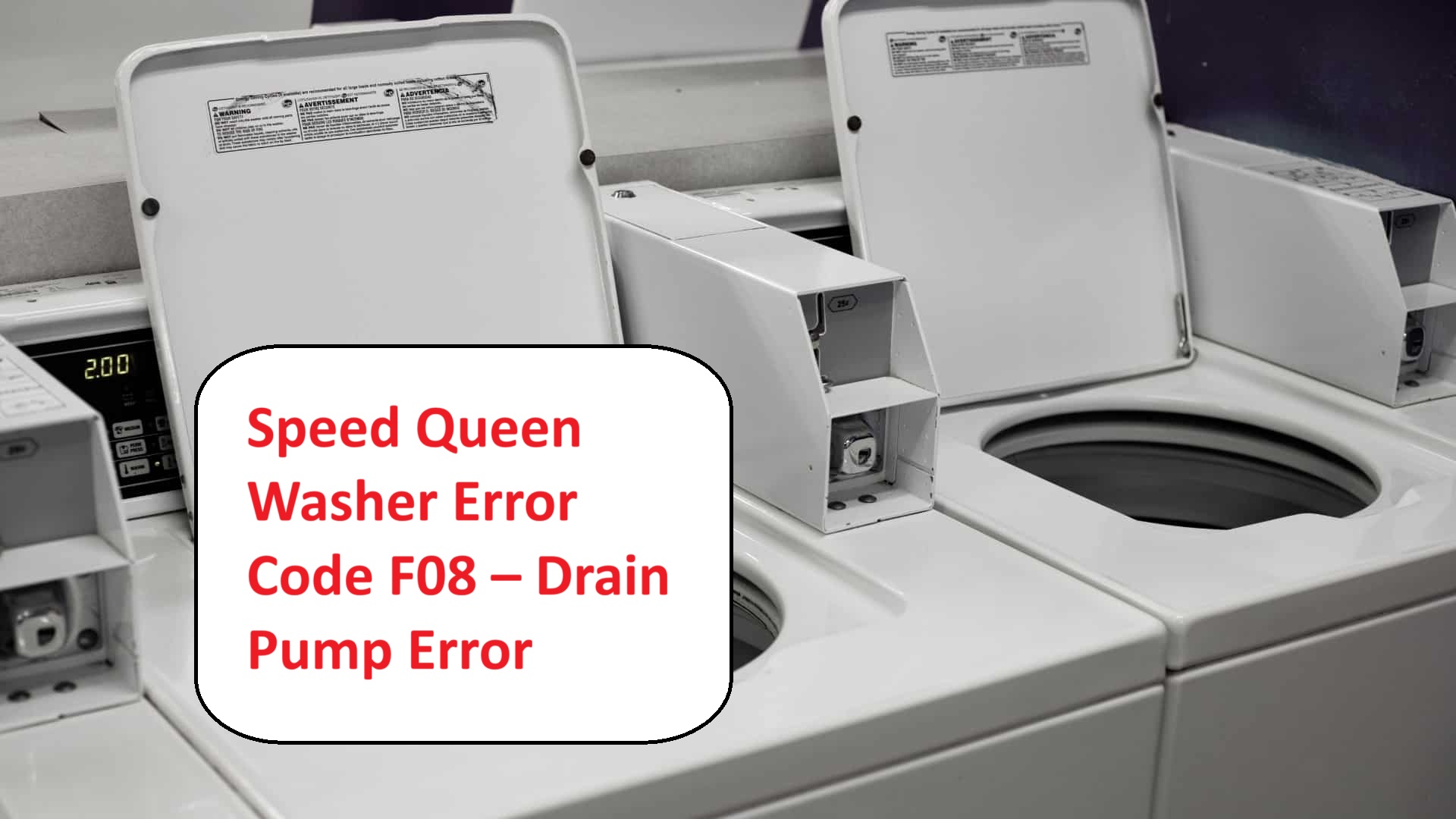
Dealing with laundry that just won’t get clean can be incredibly frustrating, especially when your Speed Queen Washer flashes the Error Code F08.
This specific code indicates a drain pump error, meaning your washer is having trouble draining water properly. Don’t worry—this is a common issue, and there are usually straightforward DIY solutions available.
One common cause of the F08 error is a clogged drain hose, which can prevent your washer from emptying water efficiently.
If you’re curious about how to tackle this issue and more, be sure to read through the entire post.
We’ll cover everything you need to know about this error, including additional potential causes and step-by-step solutions to get your laundry back on track.
What Does the Error Code Means?
When your Speed Queen washer shows the error code F08, it’s signaling a drainage problem that requires your attention. Understanding these error codes is crucial for effective troubleshooting, and I’m here to help you navigate this issue.
The F08 code specifically indicates that your washer is unable to drain water properly. This can lead to incomplete wash cycles or even potential water damage if not addressed promptly. Let’s take a closer look at how you can resolve this problem.
First, begin by examining the drain hose. Look for any kinks or clogs that might be obstructing water flow. It’s also important to ensure that the hose is not submerged in water, as this can prevent proper drainage. Next, check the drain pump filter for any debris or lint that could be blocking the flow of water. This filter is often overlooked, but keeping it clean is essential for your washer’s performance. If you find that the filter is blocked, it can trigger the F21 error code due to reduced water flow.
If you’ve checked these components and the F08 error persists, you might need to inspect the drain pump itself for any malfunctions. A malfunctioning pump can be a common cause of drainage issues. If you’re not comfortable doing this yourself, it’s a good idea to consult a professional technician who can diagnose and repair the problem safely.
Addressing the F08 code quickly ensures that your Speed Queen washer runs efficiently, helping you avoid more significant issues down the line. Remember, regular maintenance and prompt attention to error codes can extend the life of your appliance.
Common Causes Behind Error Code
Common Issues Leading to F08 Error Code
A clogged drain hose or pump filter can significantly impede drainage, similar to the F21 error seen in other washer models.
Clogged Drain Hose
A clogged drain hose is a common issue that can lead to the Speed Queen washer displaying the error code F08. This code indicates a problem with water drainage during cycles. The blockage can result from various factors, including lint accumulation, foreign objects, or even kinks in the hose. When the water cannot flow freely, you may experience drainage problems that can disrupt your washing process.
To minimize the risk of encountering these issues, it’s essential to incorporate regular inspections and cleaning of the drain hose into your maintenance routine. Begin by ensuring the hose is not bent or pinched, as this can restrict water flow. Additionally, check for any obstructions within the hose itself. If you discover a clog, the best course of action is to disconnect the hose and flush it with water to clear the blockage effectively. Regular maintenance can help prevent a drain pump issue that might lead to more significant problems in the future.
Faulty Drain Pump Motor
If you’ve ensured that the drain hose is clear but are still encountering the F08 error code, the culprit may be the drain pump motor. A malfunctioning motor can disrupt proper drainage, resulting in water buildup and triggering this error. To begin troubleshooting, first, examine the motor’s connections for any signs of damage or corrosion. Look for frayed wires or loose connections, as these can impede functionality.
If everything appears to be in good shape, the next step is to test the motor with a multimeter. This will allow you to assess whether it is operating correctly. Remember, safety is paramount; always unplug your washer before performing any tests. Additionally, ensure that there are no clogs or blockages in the drain hose that could further complicate drainage issues.
Regular maintenance of the drain pump is essential to prevent issues down the line. Make it a habit to clean the pump filter periodically and check for any debris that might obstruct its operation. If, after testing, you find that the motor is indeed faulty, replacing it will be necessary to restore your washer’s efficiency and eliminate the F08 error. This proactive approach can save you time and prevent further complications in the future.
Worn-Out Drain Pump Impeller
The drain pump impeller is crucial for ensuring your washer operates efficiently during its cycles. When the impeller becomes worn out, it can trigger the F08 error code, indicating drainage problems. Keeping up with regular maintenance of your drain pump is essential to avoid these issues. If the impeller is worn, it can significantly impair water drainage, which may lead to flooding and damage to your appliance.
Here are some common signs that your impeller may be worn out:
| Sign | Description | Action |
|---|---|---|
| Reduced Drainage | Slow or incomplete water removal | Check and clean the impeller |
| Strange Noises | Grinding or rattling sounds | Inspect the impeller for damage |
| Error Code F08 | Indicates drainage issues | Consider replacing the impeller |
| Water Left in Drum | Excess water remaining after cycle | Examine the pump’s functionality |
If you observe any of these symptoms, it’s important to take action promptly. Replacing the impeller can restore proper function and help you avoid more costly repairs down the line. Always prioritize safety when performing any maintenance on your washer, and don’t hesitate to consult with a professional if you’re unsure. Additionally, addressing water overflow issues can prevent further complications and ensure your machine operates smoothly.
Damaged Wiring Connections
Damaged wiring connections can cause serious operational problems in your Speed Queen washer, often leading to the frustrating F08 error code. To tackle this issue effectively, it’s crucial to conduct a thorough inspection of the wiring. Begin by checking for frayed wires, loose connections, and signs of corrosion. These issues can disrupt the necessary electrical flow for your washer to function properly.
If you identify any damaged wires or connections, repairing them is essential to restore your washer’s functionality. Ensure that all connections are secure and free from any debris or buildup to avoid future errors. Once you have completed the repairs, run a test cycle to confirm that the F08 code is no longer present. Additionally, you should be aware that an unstable power supply might also contribute to operational issues, so it’s important to monitor your electrical system.
Regular inspections of your washer’s wiring can save you from costly repairs down the line and ensure that your appliance operates efficiently. By staying proactive about maintenance, you can help maintain both the performance and longevity of your Speed Queen washer. Remember, a little diligence now can prevent bigger headaches later on.
Required Tools to Fix the Error
Essential Tools for Repairing the Speed Queen Washer
When addressing issues such as the F08 drain pump error, having the right tools on hand is essential for effective repairs, including a multimeter for testing electrical components.
Basic Tools
When addressing the F08 error code on your Speed Queen washer, having the right tools at your disposal can significantly streamline the repair process. Let’s walk through the essential tools you’ll need to tackle this issue effectively.
- Screwdriver Set: A good screwdriver set, including both Phillips and flat-head screwdrivers, is crucial. You’ll use these to remove screws and access the washer’s panels safely.
- Pliers: A sturdy pair of pliers is invaluable for disconnecting hoses and wires. This will help you work more safely and efficiently, especially when dealing with tight spaces.
- Multimeter: Diagnosing electrical issues, particularly with the drain pump, requires a reliable multimeter. This tool will allow you to check for continuity and measure voltage, helping you identify any electrical faults accurately.
- Bucket or Towels: It’s wise to have a bucket or some towels on hand to manage any water spillage during the repair process. This will help keep your workspace clean and prevent slipping hazards.
- Flashlight: Working in tight spaces can be challenging, so having a flashlight will improve visibility and help you see what you’re doing, especially in dimly lit areas of the washer.
Additionally, ensure to inspect wiring for damage to avoid further complications during your repair. With these basic tools prepared, you’ll be well-equipped to diagnose and resolve the F08 error efficiently and safely. Remember, taking your time and working methodically will lead to the best results in your repair efforts. Stay safe and good luck!
Supplies
Before you begin addressing the F08 error code on your Speed Queen washer, it’s crucial to gather the necessary supplies to ensure a smooth and effective repair process. Here’s a checklist of what you’ll need:
- Multimeter: This tool will help you test the pump and electrical connections, allowing you to diagnose any underlying issues accurately.
- Screwdriver Set: A good set of screwdrivers is essential for disassembling your washer safely. Make sure you have both Phillips and flat-head options on hand.
- Pliers: These will be useful for gripping and twisting wires or removing any stubborn components during the repair.
- Pump Replacement Options: If you determine that the pump is faulty, you’ll want to consider your replacement options. You can choose between OEM (Original Equipment Manufacturer) parts or compatible aftermarket models. Be sure to select a pump that matches your washer’s specifications.
- Bucket or Towels: Having these on hand will help you manage any water spillage that may occur during the repair process, keeping your work area clean and safe.
- Drain Maintenance Tips: To prevent future issues, familiarize yourself with drain maintenance best practices. Regular maintenance can help avoid error codes like F08 and ensure your washer operates efficiently.
Additionally, ensure to inspect the water level sensor connections as a faulty component can lead to similar error codes in other washer models.
With these supplies ready, you’ll be well-equipped to tackle the F08 error code confidently and safely. Remember, taking the time to prepare will make the repair process much smoother and more effective. Happy repairing!
Pre-Safety Checklist Before Fixing
Before you dive into fixing the Speed Queen washer error code F08, it’s crucial to prioritize your safety. Here’s a pre-safety checklist to help create a secure working environment:
- Disconnect the Power Source: Always unplug the washer before starting any repair. This step eliminates the risk of electric shock, ensuring you can work safely.
- Wear Appropriate Safety Equipment: Equip yourself with gloves and safety goggles. These will protect you from potential hazards, such as sharp edges or accidental spills that might occur during the repair process.
- Check for Water Leakage: Before you start, inspect the area around the washer for any signs of water leakage. This precaution is essential to prevent slips and reduce the risk of electrical hazards while you’re working.
- Ensure Stable Voltage Supply: It’s also important to maintain a stable power supply to prevent future issues during operation.
Following these guidelines will help ensure a safe and effective repair process. Remember, taking the time to prepare properly can make all the difference.
Diagnose the Error Code
To effectively address the Speed Queen washer error code F08, it’s essential to accurately diagnose the underlying issue. This code typically points to a problem with the drain pump system, so let’s break down the steps to troubleshoot it safely and effectively.
- Check for Clogs: Start by inspecting the drain hose for any blockages. Sometimes, items like lint, small clothing articles, or debris can obstruct the flow. Make sure the hose is clear and free from kinks.
- Inspect the Sump Area: Look inside the sump area where water collects. Obstructions here can hinder the pump’s ability to function properly. Removing any visible debris can often resolve the issue.
- Listen for Unusual Noises: When the washer enters the drain cycle, pay attention to any unusual sounds. Grinding or rattling noises can indicate that the pump is struggling due to something lodged in it or a malfunctioning component.
- Examine Wiring and Connections: Inspect the wiring and connections to the drain pump. Loose or damaged wiring can trigger the F08 error code. Make sure all connections are secure and that there are no visible signs of wear or damage.
- Test the Pump: If you feel comfortable doing so, you can manually test the drain pump. This might involve removing it from the washer and applying power directly to see if it functions. However, if you’re unsure, it’s always best to consult with a professional.
- Evaluate the Pump Functionality: If the pump doesn’t work during testing or if you notice persistent issues, it may need to be replaced. Consider this as a last resort after ruling out other possible causes.
Step-by-Step DIY Troubleshooting Guide
Next Steps for Addressing the F08 Error Code
Clear Hose Blockages
Since hose blockages can trigger the F08 error code in your Speed Queen washer, it’s important to address this issue quickly to restore its normal operation. Here’s a straightforward guide to help you clear any potential blockages in the drain hose:
- Unplug the Washer: Start by disconnecting the power supply to ensure your safety while you work on the appliance.
- Locate the Drain Hose: Find the drain hose, which is typically located at the back of the washer.
- Inspect for Kinks or Bends: Check the hose for any sharp bends or kinks that could impede water flow.
- Disconnect the Hose: Carefully disconnect the hose from both the washer and the drain, taking note of how it’s attached for reassembly.
- Check for Clogs: Look inside the hose for any visible clogs. If you notice any buildup, this could be the cause of the blockage.
- Rinse the Hose: Use warm water to rinse out the hose and remove any debris. A gentle stream should suffice; ensure that you flush out any stubborn blockages.
- Reattach the Hose: Once the hose is clean, securely reattach it to the washer and the drain, ensuring it’s positioned correctly without any kinks.
- Run a Short Cycle: Finally, run a short cycle to verify that the drainage is functioning properly. This step will help you confirm that the blockage has been successfully cleared.
| Step | Action | Emotion |
|---|---|---|
| Step 1 | Unplug the washer | Relief |
| Step 6 | Rinse the hose | Satisfaction |
| Step 8 | Verify drainage | Accomplishment |
Regular maintenance of the pump and hoses can prevent these issues from recurring. Taking the time to check and clean your washer’s drainage components can save you from future headaches and ensure your Speed Queen operates smoothly. Always prioritize safety and consult your user manual for any model-specific guidelines.
Replace Drain Pump Motor
Replacing the drain pump motor in your Speed Queen washer is a crucial step when you encounter the persistent F08 error code, which indicates drainage issues. Let’s walk through the process to ensure a safe and effective replacement.
Step 1: Safety First****
Before beginning, always unplug your washer. This is essential to guarantee your safety while working on the appliance.
Step 2: Locate the Drain Pump****
The drain pump is typically situated at the bottom of your washer. You may need to remove the front or rear panel to access it, depending on your specific model.
Step 3: Remove the Drain Pump****
Once you’ve located the drain pump, take note of how it is secured. Look for screws or clips holding it in place and remove them. Carefully disconnect the electrical connector; be gentle to avoid damaging any wires. Next, detach the drain hose, which may have some residual water, so have a towel handy.
Step 4: Install the New Drain Pump Motor
Now, install the new drain pump motor by reversing the steps from above. First, connect the drain hose securely to the new pump. Then, plug in the electrical connector, ensuring it’s snug and properly aligned. Finally, secure the pump with the screws or clips you previously removed.
Step 5: Test the Installation****
After installation, it’s important to run a short cycle to test the functionality of your new drain pump motor. This will help ensure that everything is working as it should and that there are no leaks.
Prevent Future Issues
Regular maintenance of your drain pump can help prevent future drainage problems, so be sure to inspect it periodically. For additional troubleshooting tips and guidance, always refer to the user manual specific to your model.
Inspect Drain Pump Impeller
Inspecting the drain pump impeller is a crucial step in diagnosing drainage issues in your Speed Queen washer. Let’s go through the process step by step to ensure your safety and the reliability of your appliance.
- Safety First: Begin by unplugging your washer from the power outlet. This is a vital step to prevent any electrical hazards while you’re working on the machine.
- Accessing the Drain Pump: Remove the front panel of your washer. This may involve unscrewing a few screws, so keep them in a safe place. Once the front panel is off, you’ll have access to the drain pump.
- Visual Inspection: Carefully inspect the area around the drain pump for any visible debris or blockages. These can impede the impeller’s movement and cause drainage issues.
- Detach the Pump: Gently detach the drain pump from its housing. Be cautious not to damage any surrounding components or hoses during this process.
- Examine the Impeller: Take a close look at the impeller itself. Check for any signs of cracks, wear, or damage that could affect its performance. A damaged impeller may need to be replaced.
- Cleaning the Impeller: If the impeller appears dirty, clean it with a soft brush and mild detergent. This will help remove any lint or residue that can hinder its operation. Be thorough, as even small amounts of debris can cause significant issues.
- Reassemble and Test: Once you’ve cleaned and inspected the impeller, reassemble the pump and secure the front panel back in place. Plug the washer back in and run a test cycle to see if the drainage issue has been resolved.
- Regular Maintenance: Remember, consistent maintenance of your drain pump can prevent future problems. Make it a habit to check the impeller periodically, especially if you notice any changes in your washer’s performance.
Repair Wiring Connections
When faced with the F08 error code on your Speed Queen washer, addressing wiring connections is a crucial step in troubleshooting the problem. Let’s take a careful and methodical approach to ensure safe and effective repairs.
Start by conducting a thorough inspection of the wiring. Look for any loose or damaged connections, as these are common culprits for error codes. Utilizing a multimeter, check for continuity in the wires to confirm that they are functioning properly.
Next, ensure that all connectors are securely attached. Corrosion can be a hidden issue, so inspect connections for any signs of wear or rust. If you do discover any damaged wires, it’s important to replace them immediately to restore proper function.
Here’s a handy reference table highlighting critical areas to inspect:
| Area | Connection Type | Maintenance Action |
|---|---|---|
| Drain Pump | Connector | Tighten or replace |
| Control Board | Wiring Harness | Inspect for damage |
| Power Supply | Plug | Secure connection |
| Motor | Terminal | Clean and check |
| Main Harness | Split Connector | Verify tight fit |
Following these steps will help ensure that your connections are properly maintained and can assist in resolving the F08 error code. Remember, safety is paramount, so always disconnect the power to your washer before starting any inspection or repair work. By being diligent and methodical in your approach, you empower yourself to effectively tackle this issue.
Call a Professional If
If you’ve been troubleshooting your Speed Queen washer and the F08 error code is still showing up, it’s advisable to contact a professional technician. Continuing to attempt repairs without the right expertise can lead to more serious problems or even further damage.
Professional appliance repair services possess the specialized tools and experience necessary to accurately diagnose the issue. They can uncover hidden problems that might not be immediately obvious, such as faulty wiring or issues with the drain pump. By relying on a qualified technician’s evaluation, you ensure that you receive a comprehensive assessment and effective solutions tailored to your washer’s specific needs.
It’s important to avoid the risk of voiding your warranty or inadvertently causing additional damage. A skilled technician will be equipped to efficiently address the F08 error and restore your washer to optimal working condition. By seeking professional assistance when necessary, you save both time and stress, allowing you to focus on what truly matters.